| The starting condition is: MOD file successfully written on the vehicle. |
|
If the Client decides to use the MyGenius tool on a different vehicle leaving the first vehicle modified, it is like purchasing a second MyGenius tool, the client must perform a Forced reset request. |
|
Below the steps to follow on the MyGenius Client V2 software.
|
|
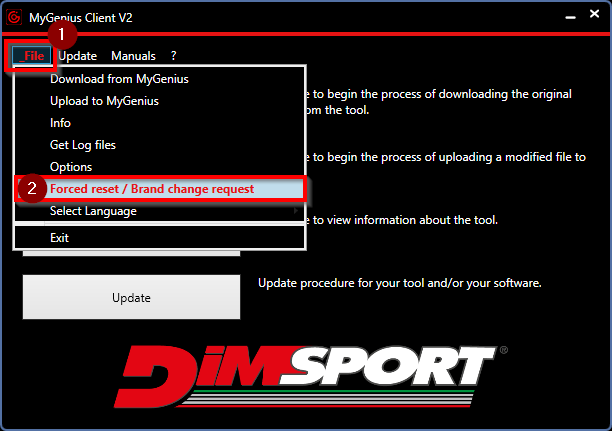
| 1. Plug the MyGenius tool to the PC and start the MyGenius Client software, Select File (1) and click Forced reset / Brand change request (2). |
|  |
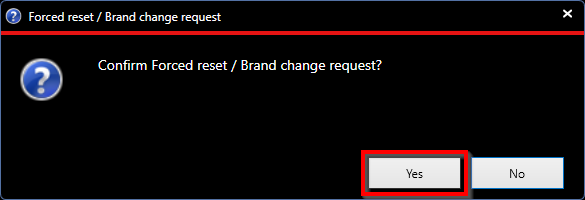
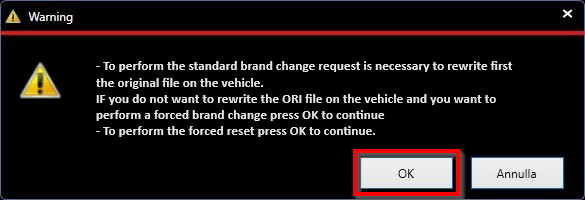
| | 2. Confirm both the POP UP windows in order to start the Forced reset operation. |
|  |
|  |
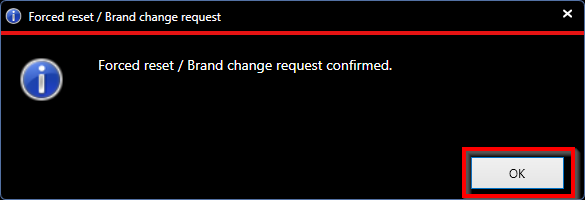
| | 3. If the request is successfully sent to your Master this message appears. |
|
 |
| | 4. Inform your Master about he Forced reset request and wait for his response. |
| 5. The Master will communicate you when he finished to process your request. |
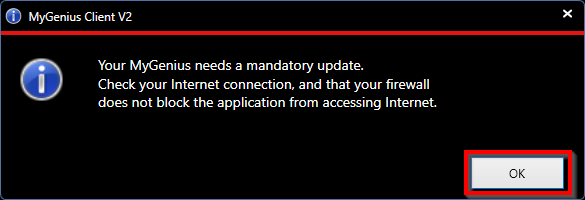
| 6. Upon confirmation, the client must perform a full MyGenius Client V2 software update in order to unlock the MyGenius tool and perform a new vehicle reading. |
|  |
|